 |
| Image Source: miketech.weebly.com |
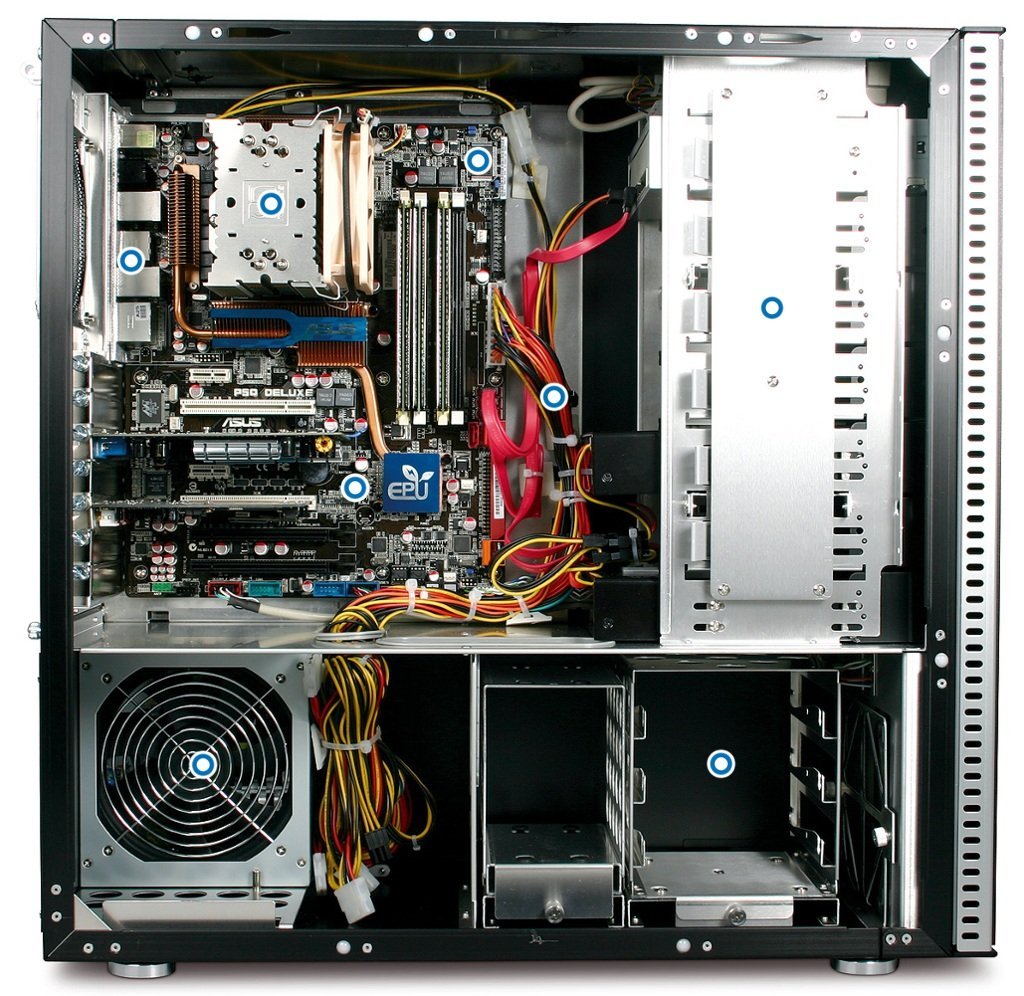
What is inside your Computer Cabinet??

Motherboard: Your motherboard is the most important part of your computer. This is because it is the piece that ALL of the components connect to. Without it, it would be just a box full of spare parts. Its a circuit board that allows the components to talk or communicate with each other. The motherboard has specific "ports" or plugs on the inside and outside that allow for different pieces to be connected. Outside connections include an Ethernet port, mouse, speaker, or mic port, the power cord, and USB ports, for example. The inside ports are explained with each piece of equipment below. Also attached to the motherboard are expansion slots to add video cards and RAM slots used to attach the memory sticks. (Image Source: https://www.houkconsulting.com/2017/03/standard-computer-components/)
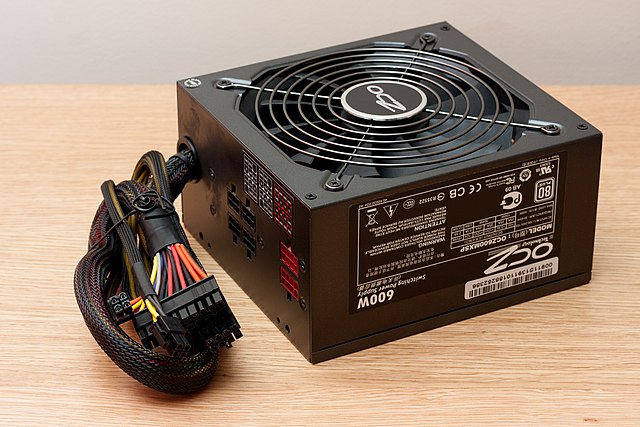 | ||||||||||||||||||||||||||||||||||||||||||||||||||||||||||||||||||||||||||||||||||||||||||||||||||||||||||||||||||||||||||||||||||||||||||||||||||||||||
Power Supply: This device is what supplies power to all of the internal components of your computer. If you are using a laptop, then this supplies power to a battery to charge it before it supplies power to the internal components. Based on the number of components and the plan of use for this computer, would determine the amount of power needed that is supplied internally. (Image Source: https://www.houkconsulting.com/2017/03/standard-computer-components/)

Comments
Post a Comment